
 Photo: Dario Mikulek / Bruno Radotić
Jezero Field

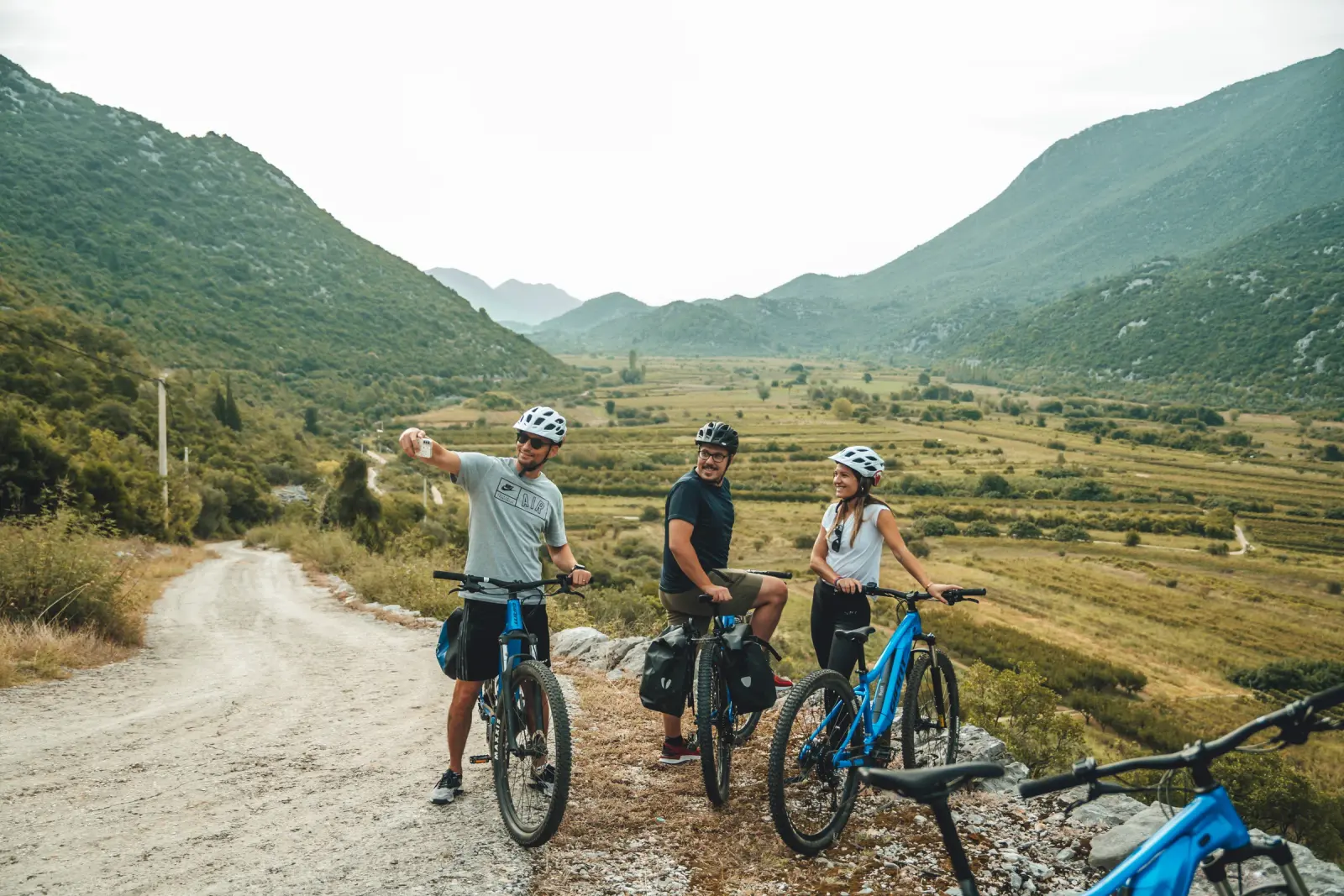
Polje Jezero is a fascinating, almost unique natural phenomenon shaped by human hands. The fertile green field was created by draining the former Vrgorac Lake to win farmland in the barren karst landscape. The water that fed the lake has not disappeared: today it is the Matica river, winding between vineyards, orchards and unusual hills that were once islands in the lake. When it swells in spring, the Matica sometimes floods the south of the field and the lake comes back to life, at least for a while. Field or lake? Both.
The field connects three local communities: Vrgorac in the north-west, with the Gradina fortress and Ottoman towers; the farming area of Pojezerje in the middle; and Ploče in the south-east, where the Matica flows through a tunnel into the Baćina lakes.
There are no fixed routes here. The whole field is criss-crossed by gravel, dirt and quiet paved roads, and their most beautiful parts are divided into cycling segments between numbered junctions. In the field the junction numbers are shown on posts that blend into the landscape, and the same numbers are on the map. You put together your own route in the Polje Jezero web app: choose a start and an end junction and, if you like, junctions in between, and the app builds the optimal route and shows its length and elevation. Download the finished route as a GPX file for your navigation device or mobile app, or start navigation on your phone with a single tap.
Polje Jezero is above all a destination for trekking cyclists looking for pleasant leisure rides on good gravel and quiet roads. With few climbs, the rides suit families and relaxed groups. Along the way, stop at one of the family farms, where the stars are wine, strawberries and Dalmatian prosciutto.
How it works
Instead of route descriptions and complicated maps, a route is a sequence of numbers. Follow them on the map and on the ground, and combine the segments between them as you like.
Tap the numbers you want to pass on the map, in order. The app joins them along the segments.
At each crossing, look for the sign with the next number of your route and ride on.
Send the route to a Garmin, Wahoo or other bike computer, or start navigation on your phone.
Send a link or show a QR code, and your friends open the same route on their phones.
How to use the map
- 1Plan a routeTap the round + button (“New route”), then tap the numbered junctions in order. The route follows the segments, and while you plan you see the distance, climbing and elevation profile. The arrows undo or redo a step, and the loop button takes you back to the start, by a different way where possible.
- 2Start where you are“Start here” begins the route at the junction nearest to you. Your browser will ask for permission to use your location.
- 3Finish the routeWhen you are done, tap “Finish route”. You get a summary with distance, climbing, elevation profile and points along the route.
- 4Download GPXFrom the summary, download the route as a GPX file and load it into a Garmin, Wahoo or any other device you use.
- 5Navigate me“Navigate me” starts GPS navigation in the browser: the map turns in your direction of travel, warns you if you leave the route and tells you when you arrive.
- 6Share the route“Share route” gives you a link, a QR code and quick sharing via WhatsApp, email or Facebook.
- 7No signalIn the app you can save the area map to your device (about 12 MB), so it works where there is no mobile signal.
- 8Explore the destinationThe logo in the top left corner of the map opens “Explore the destination” there you will find recommended routes and points of interest from wineries and family farms to rest areas, viewpoints and cultural sights. Tap a marker to see its details.
- Scroll the page with one finger and move the map with two.
- The full-screen button enlarges the map to the whole screen, and the ↗ button opens the app in a new tab.
- You can add the app to your home screen (on an iPhone: Share → Add to Home Screen) and open it with one tap.